
This is a collaborative post.

Is your phone overflowing with apps, photos, and notifications? You’re not alone. Most of us carry digital clutter in our pockets, and it can leave us feeling disorganised and overwhelmed.
The good news? You don’t need to spend money to get your phone (and your headspace) in order. With a few smart steps and some budget-friendly tools, you can declutter your digital life and make your phone work more efficiently than ever.
Why Digital Decluttering Matters
A cluttered phone isn’t just annoying, it can also make you less productive. Too many apps, notifications and unread emails can create stress and slow your device down.
Digital decluttering helps you:
- Find what you need quickly.
- Reduce distractions and screen time.
- Improve battery life and performance.
- Feel calmer and more in control.
A tidy phone helps you focus on what really matters, and it costs nothing to start.
Step 1: Delete Unused Apps
Start with your apps. Scroll through your home screen and ask yourself: When did I last use this?
If you can’t remember, delete it. Unused apps take up space and drain your phone’s battery in the background.
Budget tip: Keep a note of rarely used apps instead of keeping them installed. You can always redownload them at another time if needed.
This simple step instantly makes your phone look cleaner and feel faster.
Step 2: Organise Your Home Screen
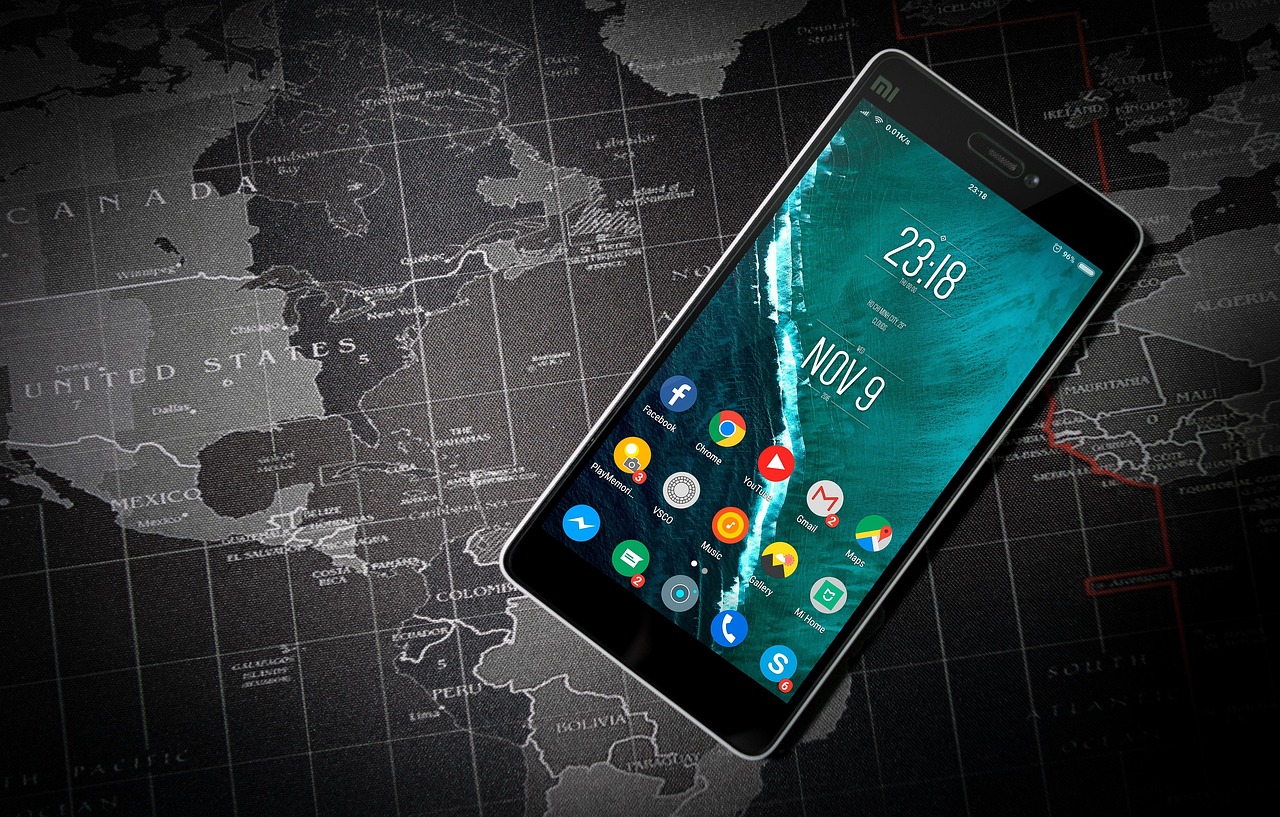
Once you’ve cleared away unused apps, arrange the ones that remain. Group similar apps into folders such as:
- Work
- Social
- Finance
- Travel
Keep your most-used apps on the first screen for easy access. Hide or remove anything that distracts you, like games or social media apps you don’t need every day.
Bonus: A clean home screen makes your phone less tempting to scroll aimlessly.
Step 3: Clear Out Photos and Videos
Photos and videos often eat up the most storage space. Spend a few minutes deleting duplicates, blurry pictures, or screenshots you no longer need.
Use your phone’s free cloud storage options or transfer files to your computer. Both iPhones and Android devices offer built-in tools to back up your media safely.
Budget tip: Stick to the free cloud option until you truly need more space. Paying for extra storage might not be necessary.
Step 4: Clean Your Inbox and Downloads
Emails and downloads pile up fast. Take time to:
- Unsubscribe from newsletters you don’t read.
- Delete old downloads.
- Organise emails into simple folders (Bills, Work, Personal).
Many email apps also have “Clean Up” tools that make this process quick and easy. They’re usually completely free to use too.
A tidy inbox helps you stay on top of tasks and reduces the chance of missing something important.
Step 5: Control Notifications
Constant notifications can ruin focus and increase stress.
Go to Settings → Notifications and turn off alerts for apps that don’t matter. Only keep essentials like messages or reminders turned on.
This one step can dramatically cut distractions, and it costs nothing to implement.
Pro tip: Set “Do Not Disturb” or “Focus Mode” during work hours to stay productive.
Step 6: Set a Digital Declutter Routine
Decluttering isn’t a one-time job. It’s a habit.
Set a reminder once a month to:
- Delete unused apps.
- Review downloads.
- Organise photos.
- Clean your inbox.
Regular digital maintenance keeps things running smoothly and prevents clutter from building back up.
It only takes 10–15 minutes at a time, which is far easier than a massive digital clean-up once a year.
Save Money While You Stay Organised
Staying organised doesn’t mean spending more. In fact, digital decluttering can help you save money.
- Skip unnecessary apps
Many paid apps offer “free alternatives” with the same features. Before you buy, check if your phone already has built-in tools that do the job.
- Use your phone’s free features
Reminders, calendar alerts, and note apps are already included. There’s no need for costly subscription options.
- Look out for affordable tech deals
If your phone or broadband plan needs an upgrade, wait for big sale events such as O2’s Black Friday and Cyber Monday deals .You can often find discounts on new devices, laptops and SIM-only contracts.
If your home internet is slowing down your productivity, Virgin Media’s Black Friday broadband deals are a great way to upgrade your connection without breaking the bank.
Timing upgrades with these sales can save you a lot of money. Perfect for anyone managing a budget. Why not set a reminder on your phone to remind you when the sale season starts?
Step 7: Make Your Phone Work for You

Once your phone is clean and organised, use it to stay that way.
Here are a few free tools worth trying:
- Notes app: Keep to-do lists and shopping lists.
- Reminders app: Set alerts for bills or appointments.
- Cloud storage: Back up files safely without paying for more space.
- Widgets: Display key tasks or goals on your home screen.
These features help you stay productive and focused without any extra cost.
Final Thoughts: Less Clutter, More Calm
Digital decluttering isn’t just about storage space; it’s about peace of mind too.
A clean, organised phone helps you stay focused, save time, and even save money. By keeping things simple and using what you already have, you can enjoy the benefits of minimalism without spending a fortune.
So, set aside a few minutes today to tidy up your phone. You’ll feel lighter, calmer, and far more organised. All while staying firmly on budget.

Leave a Reply